Remote power control.
Without the complexity.
A 1U rack-mount power distribution unit with six individually switchable outlets, managed entirely through a browser over your existing IP network. No proprietary software. No dedicated management hardware.
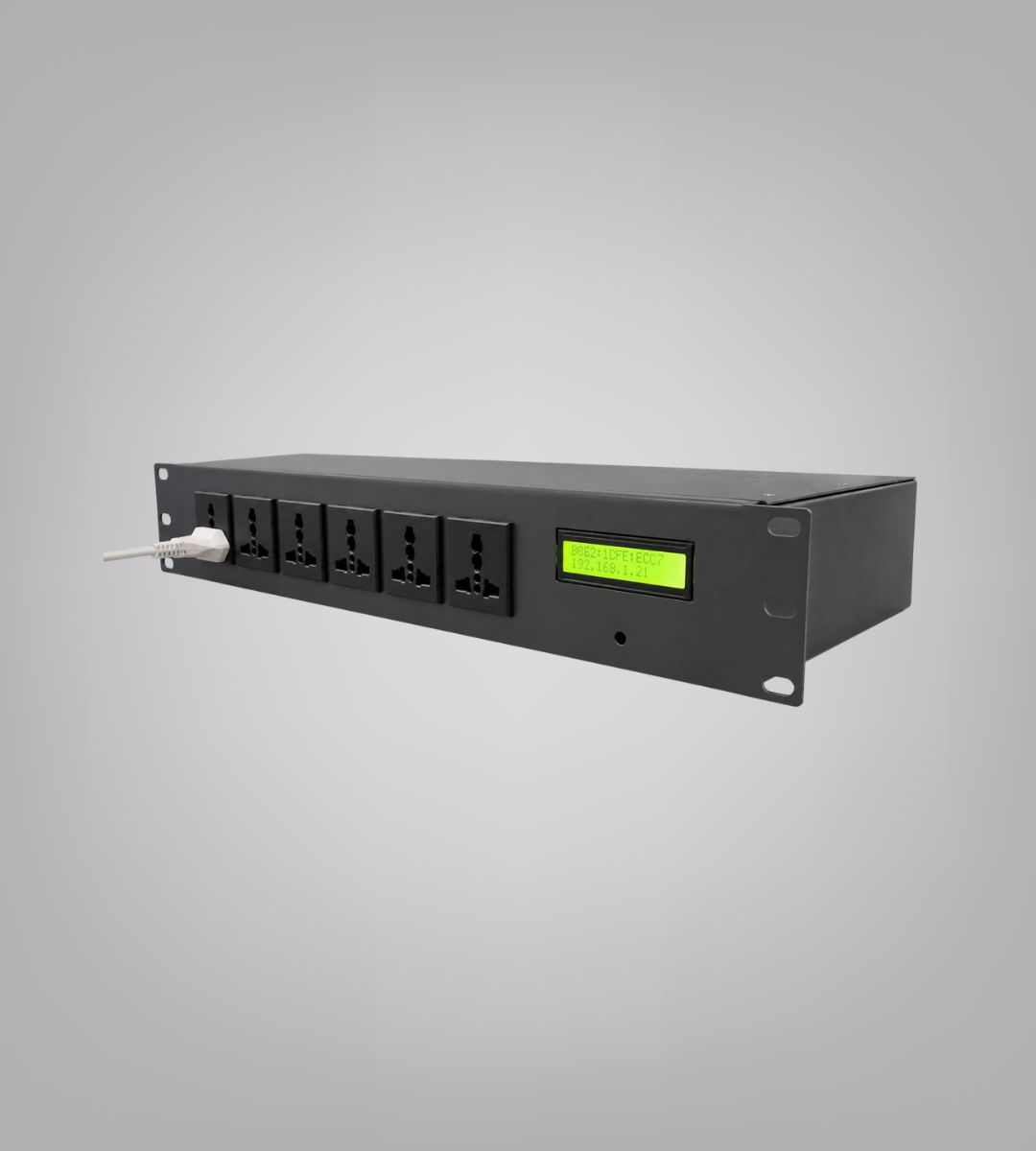
Six things engineers actually use.
6 Individually Controlled Outlets
Turn any outlet on, off, or toggle it independently — from your browser or via API.
Browser-based Web GUI
Works on mobile and desktop. No app install, no VPN dependency if you're on the same network.
REST API Access
Automate power management with standard HTTP calls. Integrate with your existing monitoring tools.
Daisy-Chain Networking
Connect up to 10 PDUs in a chain and manage all of them from a single Web GUI.
DHCP + Static IP Support
PDU gets its IP from your DHCP server. Configure your DHCP to assign a static lease for a permanent address.
Configurable Outlet Types
Order in C13, C19, or a Mixed combination. We configure before shipping.
Full sheet.
The numbers that matter for procurement, integration, and deployment.
Pick the layout for your rack.
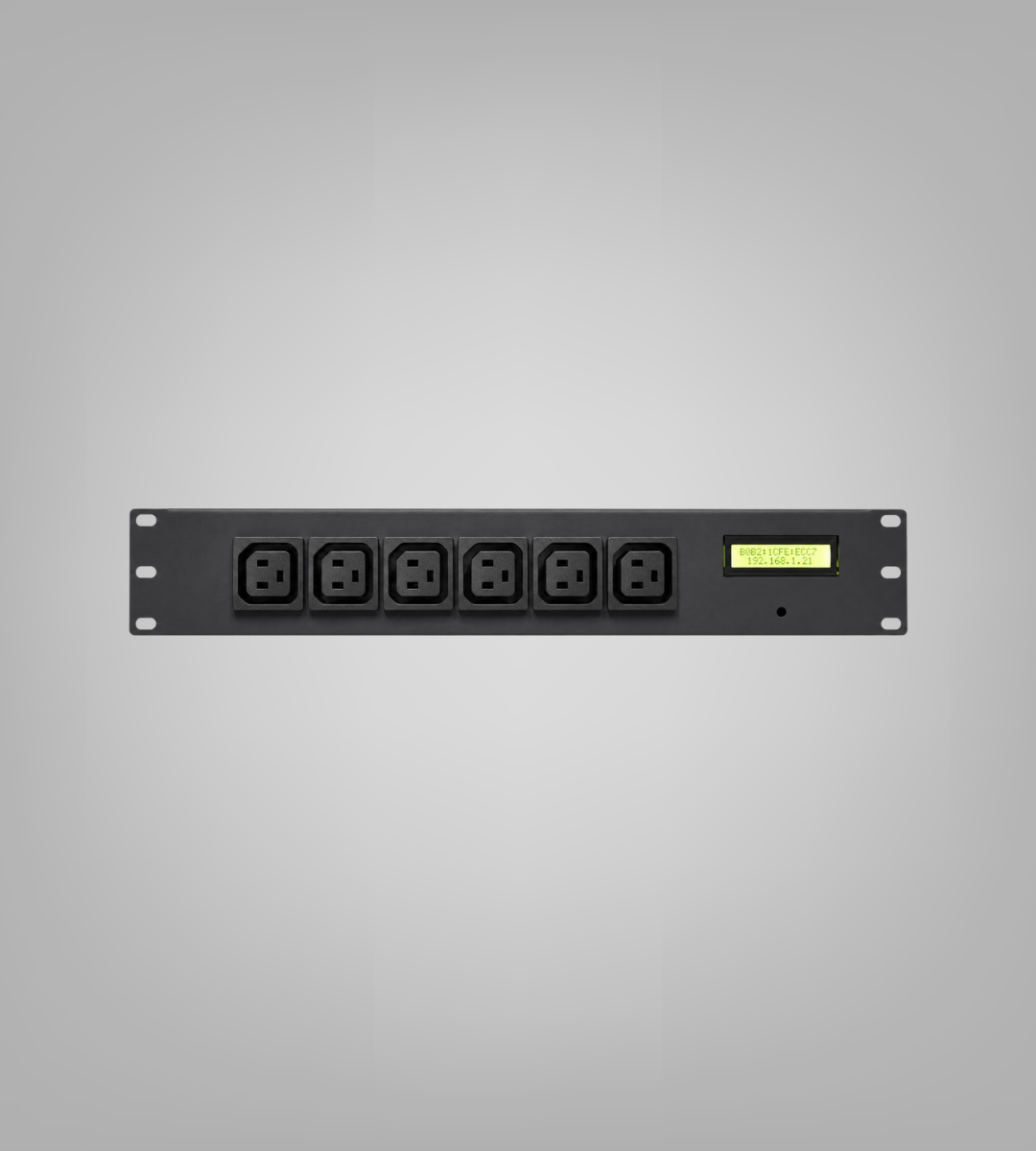
C13 Only
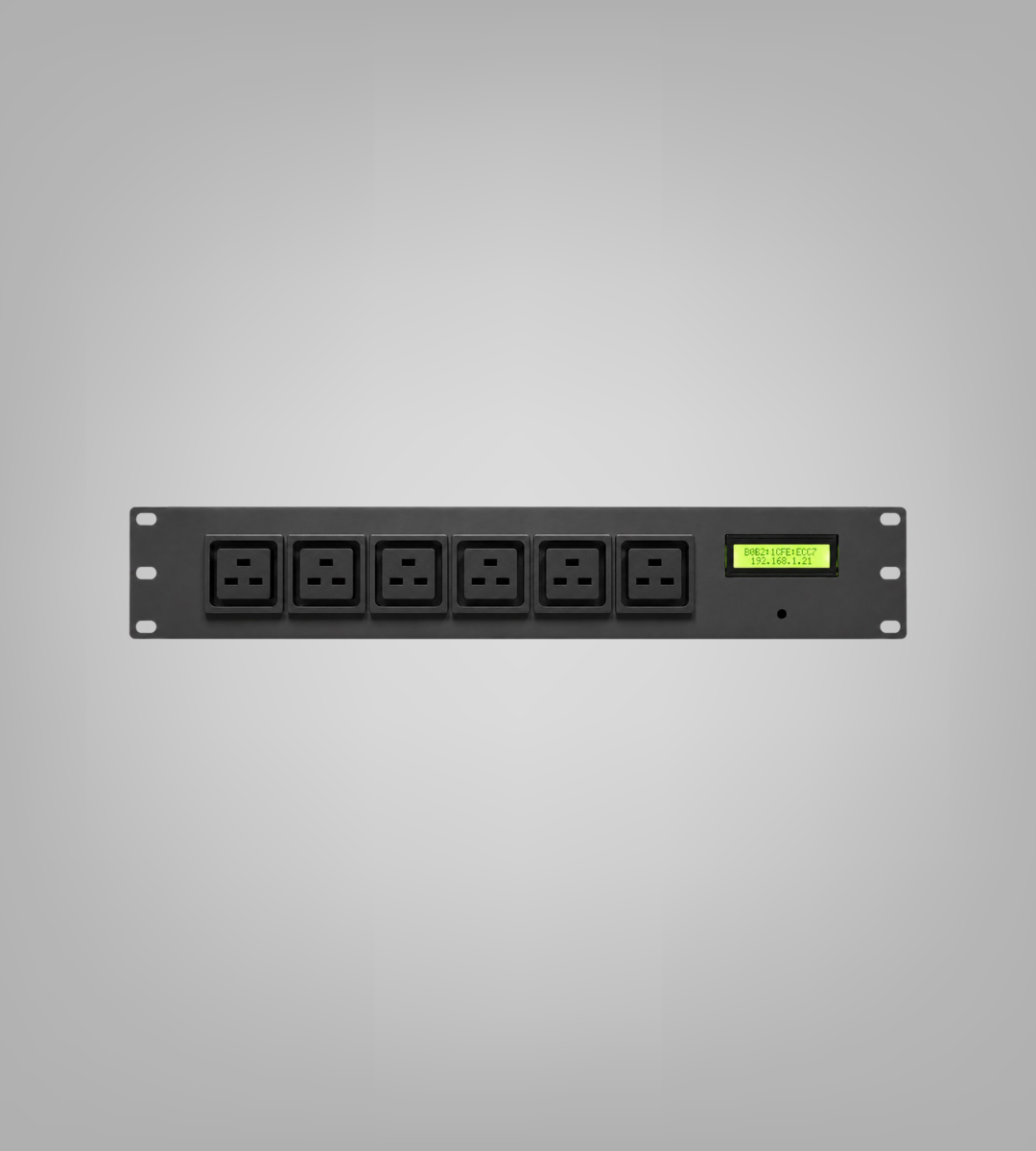
C19 Only
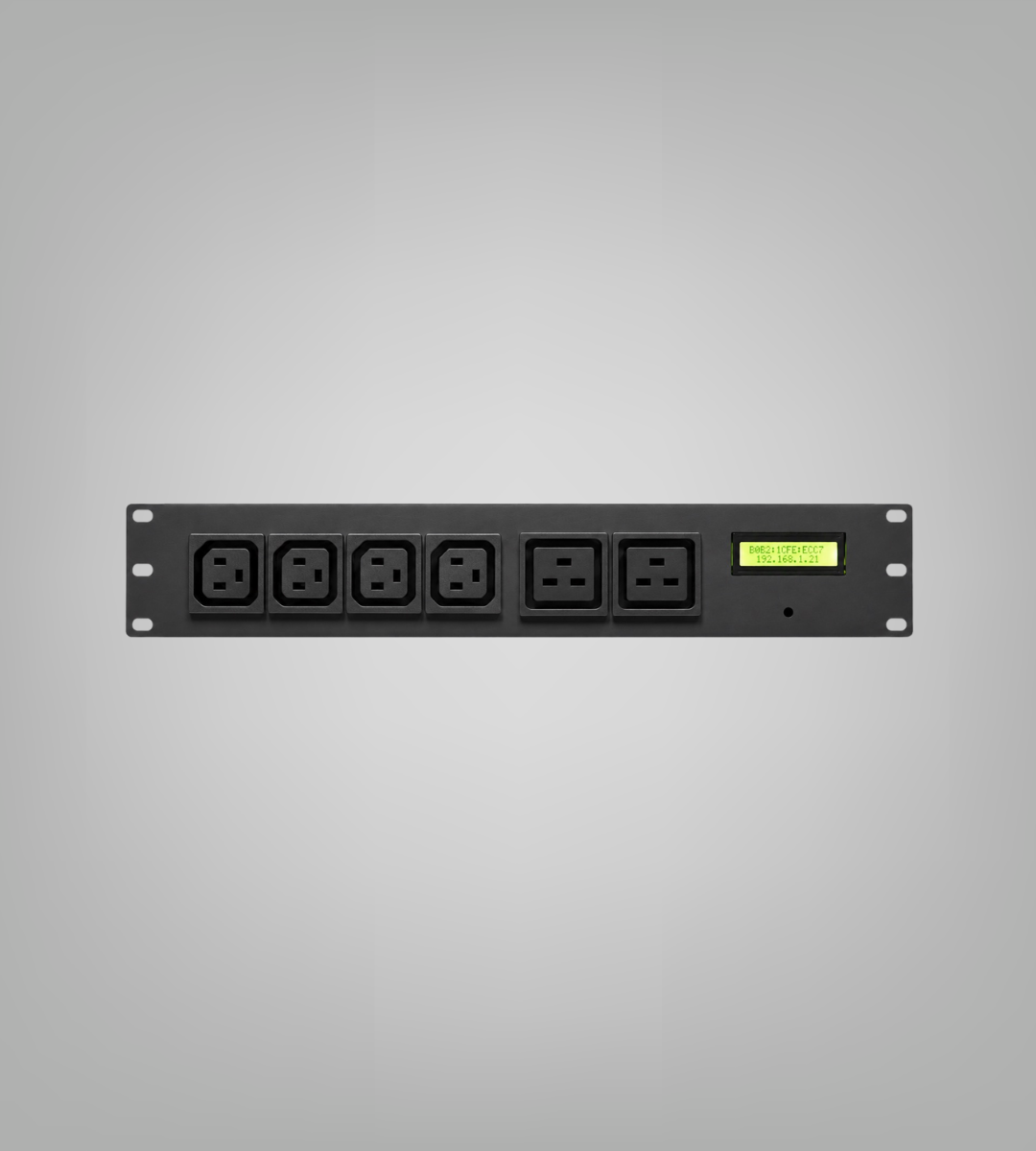
Mixed (C13 + C19)
Specify your outlet configuration at the time of inquiry. Custom splits available on request.
From box to browser in three steps.
Mount & Connect
Install the Smart PDU in your 19" rack. Connect it to your AC power input and plug it into your switch with a straight Ethernet cable. Turn on the MCB at the rear.
Get the IP
The LCD display shows the MAC address while it waits for DHCP. Once the IP is assigned, it appears on the display. Configure your DHCP server to make it static.
Open the Web GUI
Navigate to https://<ip-address> in any browser. Accept the self-signed certificate prompt. Log in as Admin (default password: Admin123) and you're in.
Where the Smart PDU earns its place.
Data Centres
Remote power cycling of servers and appliances without dispatching an engineer. Group multiple PDUs under one interface for full-rack visibility.
Network Rooms
Control switches, routers, and patch panel power from your desk. Set port labels to match your rack documentation.
CCTV & Surveillance
Remotely reboot NVRs and cameras. Useful for field sites where physical access is difficult.
Edge Deployments
Manage remote equipment rooms from HQ using the REST API. Integrate with your existing monitoring or DCIM platform.
Ready to put your PDU to work?
Tell us your outlet configuration and quantity. We'll confirm pricing and lead time within one business day.